FastAPI基础
- FastAPI是一个现代、快速、高性能的Web框架,用于基于标准的Python类型提示构建API接口服务。
- 官网:https://fastapi.org.cn
安装
创建并激活一个 虚拟环境,然后安装 FastAPI
bash
pip install "fastapi[standard]"创建
创建一个文件 main.py,内容如下:
python
from fastapi import FastAPI

app = FastAPI()

@app.get("/")
def read_root():
    return {"Hello": "World"}

@app.get("/items/{item_id}")
def read_item(item_id: int, q: str | None = None):
    return {"item_id": item_id, "q": q}
如果代码使用 async / await,请使用 async def
python
from fastapi import FastAPI

app = FastAPI()

@app.get("/")
async def read_root():
    return {"Hello": "World"}

@app.get("/items/{item_id}")
async def read_item(item_id: int, q: str | None = None):
    return {"item_id": item_id, "q": q}
如果你不确定,请查看文档中关于 async 和 await 的“匆忙吗?”部分。
启动
启动命令
bash
fastapidev"xxxx.py"
或者
uvicornxxxx:app--reload
在代码里启动
python
from fastapi import FastAPI

app = FastAPI()

@app.get("/")
def read_root():
    return {"Hello": "World"}

@app.get("/items/{item_id}")
def read_item(item_id: int, q: str | None = None):
    return {"item_id": item_id, "q": q}

if__name__ =="__main__":
importuvicorn
uvicorn.run(app,host="0.0.0.0",port=8000)
使用/验证
在浏览器中打开 http://127.0.0.1:8000/items/5?q=somequery。
你将看到 JSON 响应为:
{"item_id": 5, "q": "somequery"}
你已经创建了一个 API,它能够:
- 在 路径
/和/items/{item_id}中接收 HTTP 请求。 - 两个 路径 都执行
GET操作(也称为 HTTP 方法)。 - 路径
/items/{item_id}包含一个 路径参数item_id,它应该是一个int。 - 路径
/items/{item_id}包含一个可选的str查询参数q。
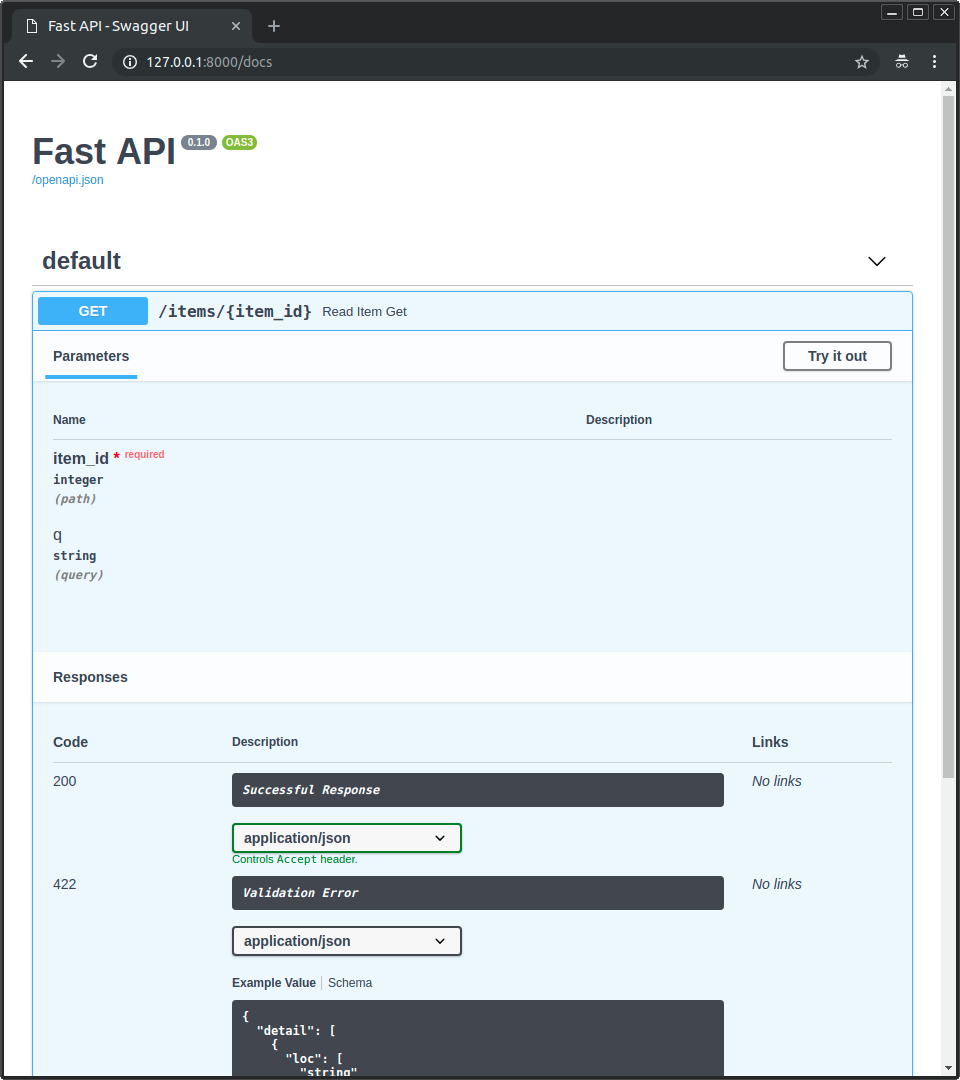
交互式 API 文档
现在访问 http://127.0.0.1:8000/docs。
你将看到自动交互式 API 文档(由 Swagger UI 提供)
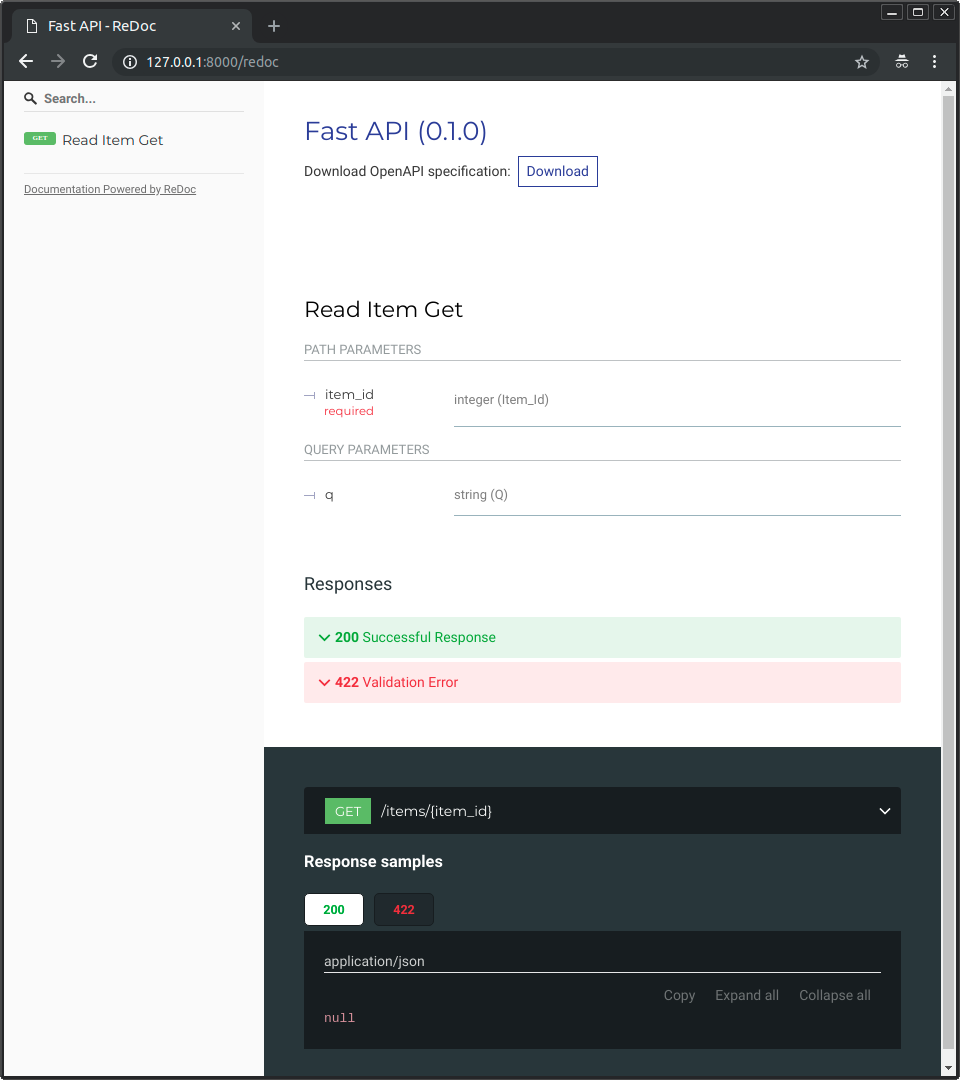
替代 API 文档
现在,访问 http://127.0.0.1:8000/redoc。
你将看到替代性的自动文档(由 ReDoc 提供)